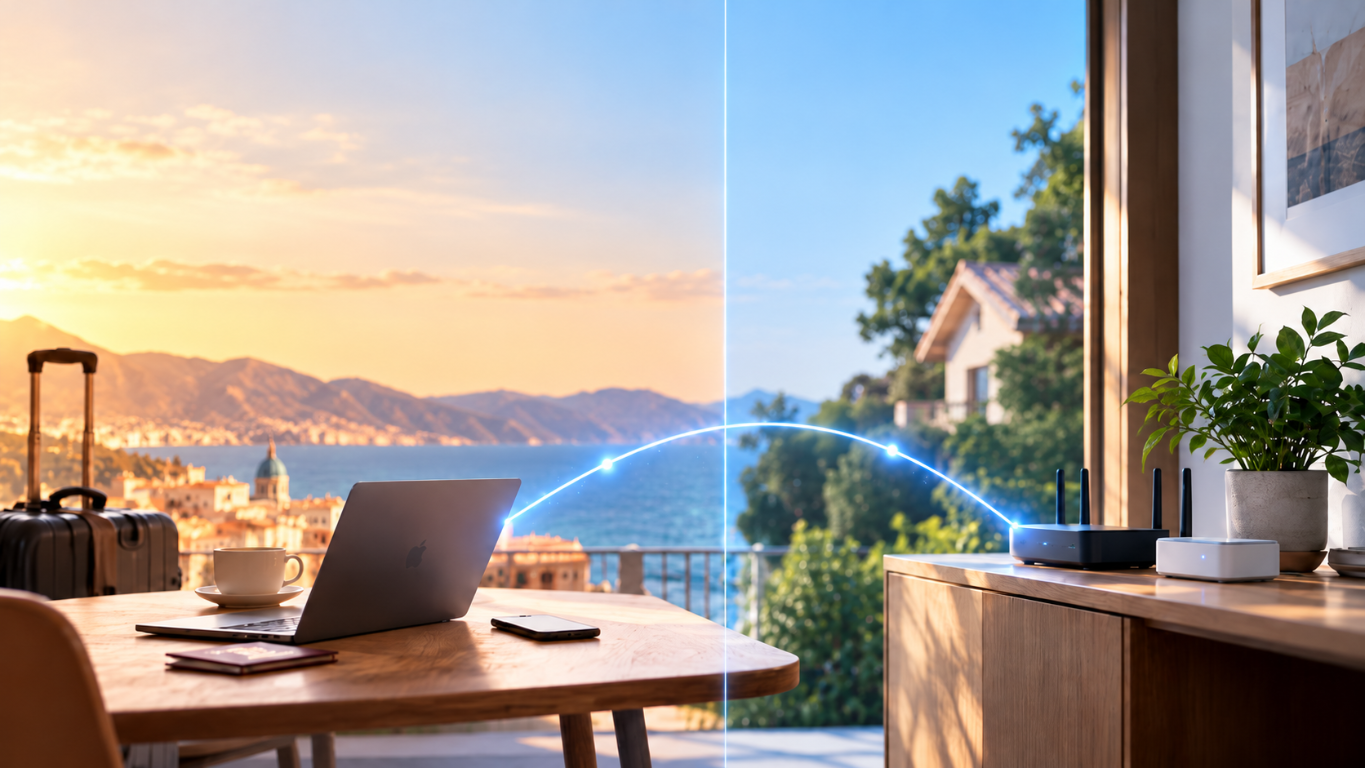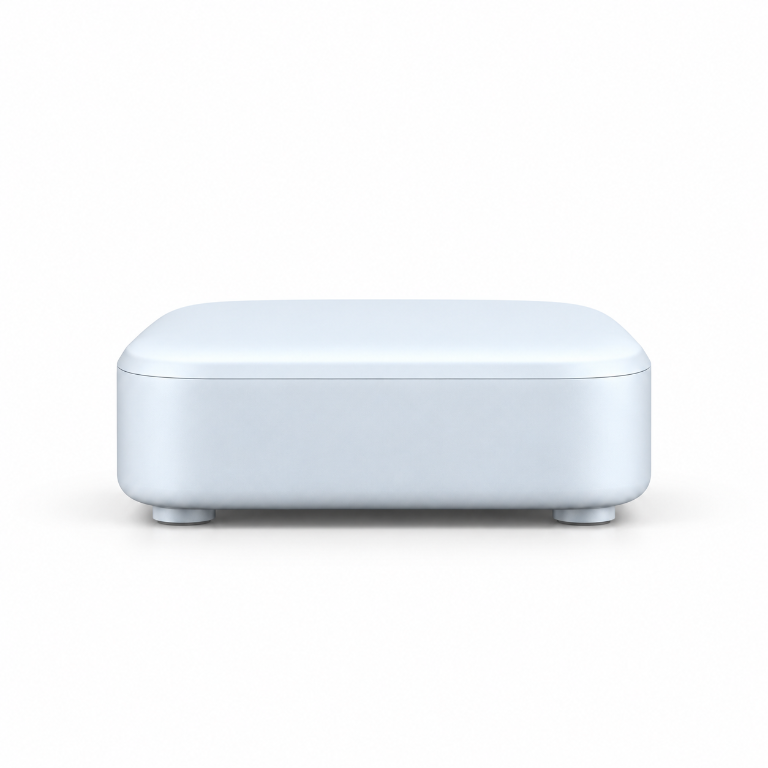
Stays at home
Home Node
The Home Node connects to your home router and stays powered on. It provides the home end of the private connection.

Meet HomeRoam
Your home internet. Anywhere.
Two small devices. One private connection. Access your home internet while traveling.
The idea
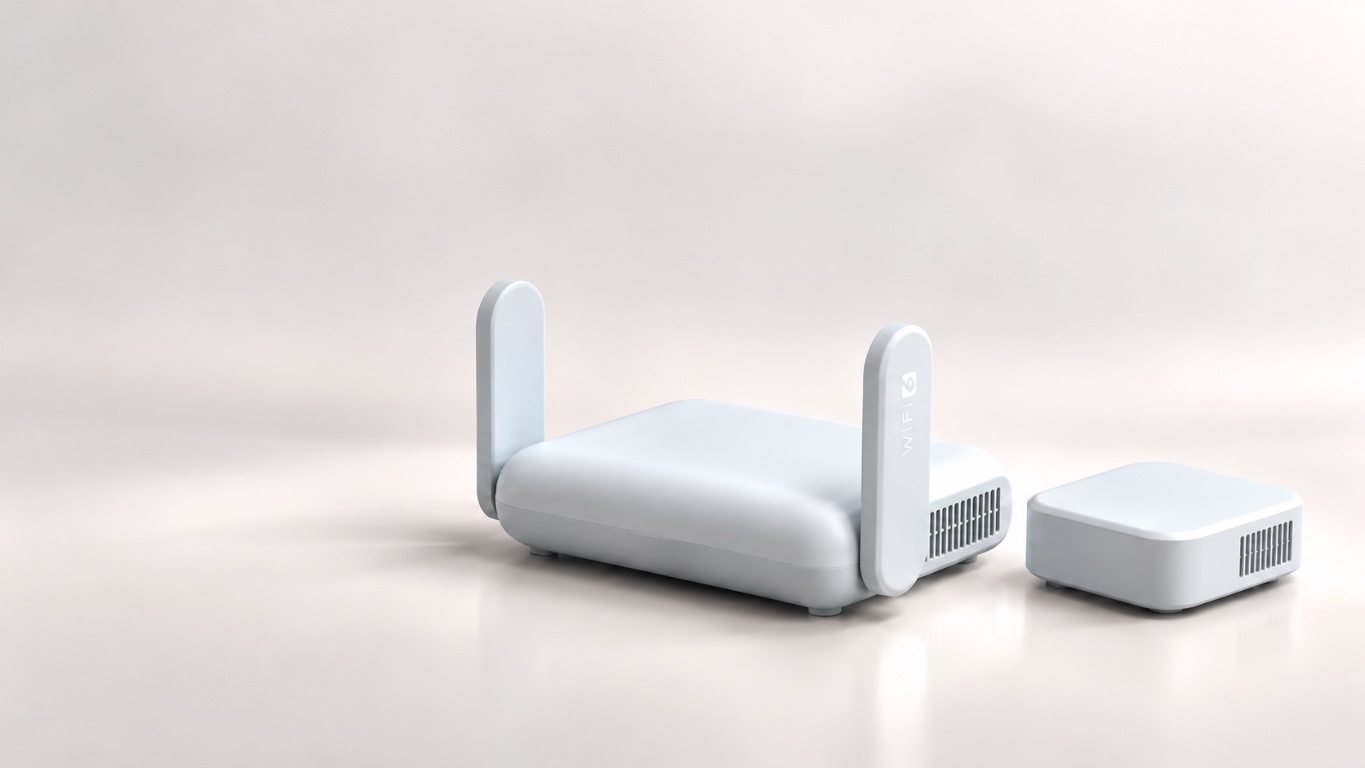
HomeRoam pairs one small device that stays on your home network with a travel router you take along. When the private connection is active, supported devices on its Wi-Fi can use your home internet connection while you’re away.
Two separate devices have different jobs: one stays connected at home; the other creates Wi-Fi for your devices while you travel.
Stays at home
The Home Node connects to your home router and stays powered on. It provides the home end of the private connection.
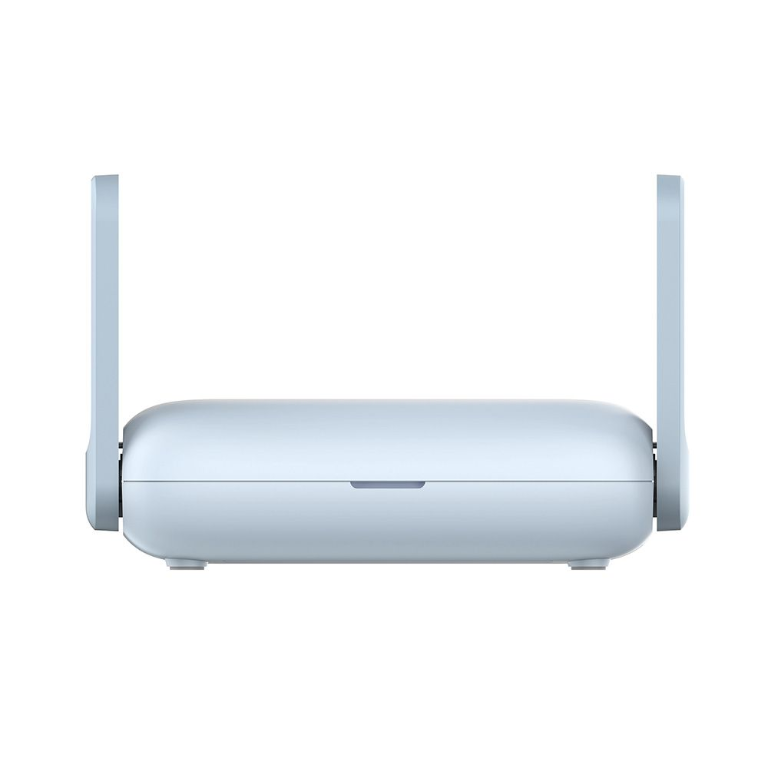
Comes with you
The travel router connects to usable internet where you are and creates a Wi-Fi network for your laptop, phone, and other compatible devices.
The Home Node stays online at home. The Travel Node gets a connection where you are. Your devices join its Wi-Fi.
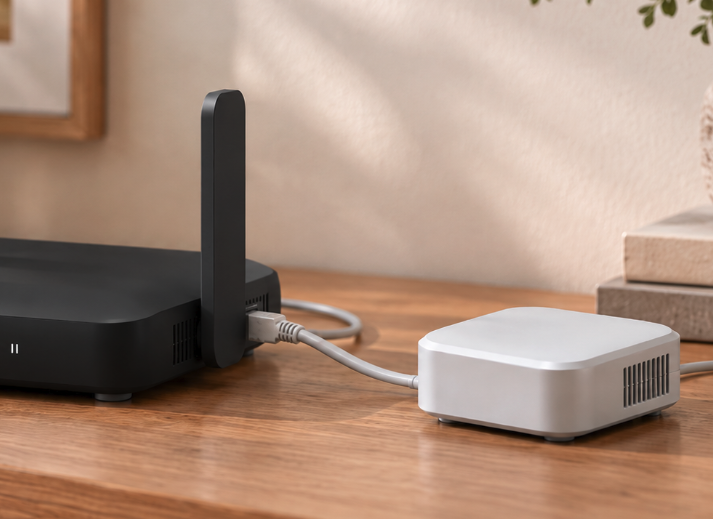
Plug the Home Node into your home router and leave it powered on with working home internet.
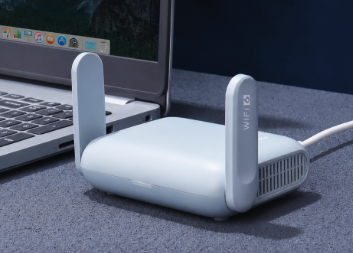
Use the phone app to connect the Travel Node to the Wi-Fi where you are. Then join the Travel Node’s own network on your laptop or phone. Supported traffic uses your home internet connection.
Your device connects to the Travel Wi‑Fi. Supported traffic crosses a private encrypted connection and exits through your home internet connection.
THE FREEDOM TO GO
A week away. A month abroad. Somewhere entirely new.
With HomeRoam, supported internet traffic travels through your own home connection. Websites generally see your home IP address, even when you’re somewhere else.
ONE TRAVEL WI-FI
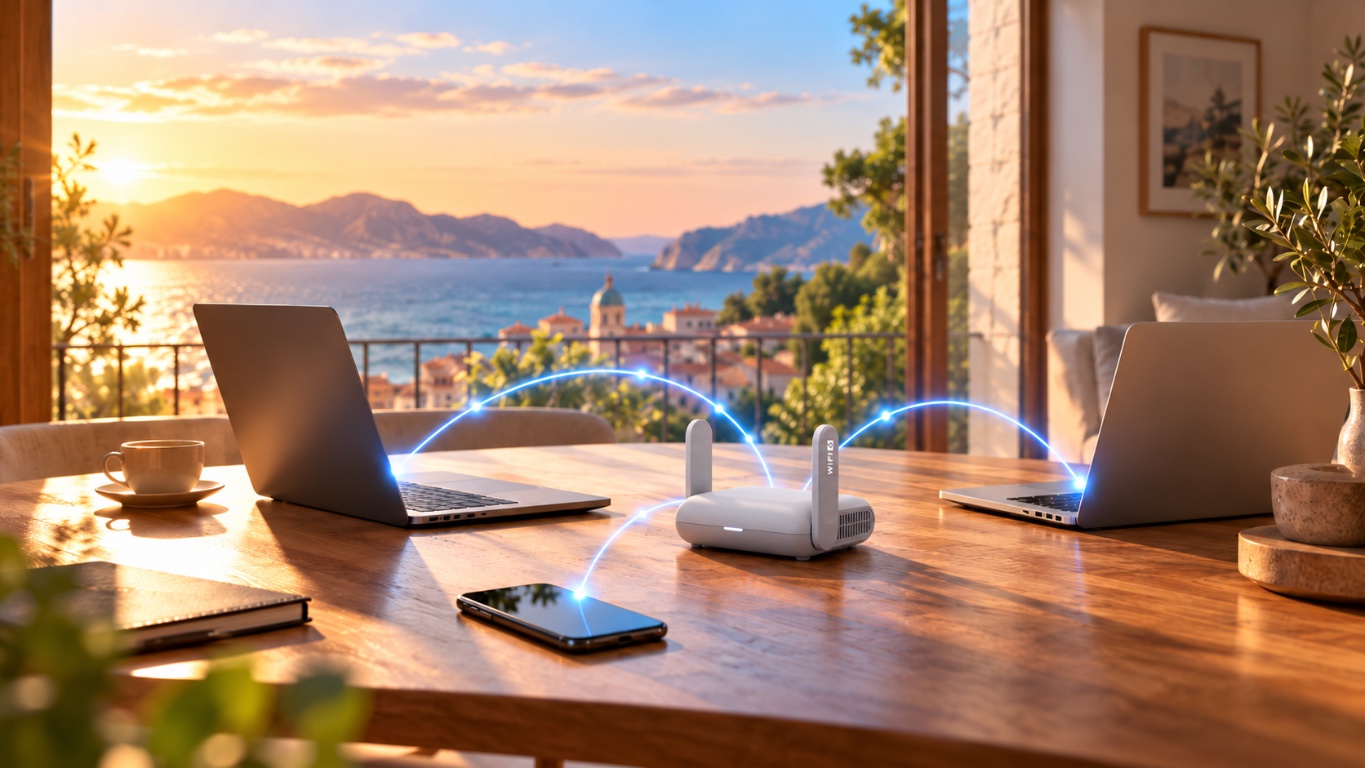
Your laptop, phone and tablet can all come along.
Connect compatible devices to HomeRoam’s Travel Wi-Fi-without configuring a separate VPN app on every one.
PREPARED FOR YOU
From the first connection to the occasional hiccup, we’re here to make HomeRoam feel effortless.
Less time configuring. More time going places.
Your HomeRoam devices come configured and prepared to work together. No servers, scripts or networking expertise required.
If something goes wrong, we can help troubleshoot your connected HomeRoam devices remotely, with your permission, while they’re online.
PROTECTED BY DESIGN
01
Your Home and Travel devices establish a private connection. They communicate directly whenever the networks allow it. If a direct connection isn’t possible, an encrypted relay can carry the traffic instead.
Either way, supported internet traffic still exits through your home connection.
02
When HomeRoam’s private connection becomes unavailable, the Travel router is configured to block ordinary internet traffic from falling back to the local network.
So a lost connection doesn’t simply turn into an unprotected local internet route.
EARLY ACCESS
Sign up for updates about HomeRoam.
Home Node + Travel Node
~1,599 PLN
Planned price
One-time purchase. No subscription.
Please check your inbox and confirm your email address to complete your early-access signup.
A small Home device stays connected to your home internet. A Travel router creates Wi-Fi for your devices while you are away. Supported traffic can use a private encrypted route through home.
Yes. The Home device must stay powered and online, and the Travel router needs a usable internet connection where you are.
Not for ordinary Wi-Fi-connected devices in the supported setup. Connect compatible devices to the Travel Wi-Fi; some devices or networks may behave differently.
Generally, websites see your home internet’s public IP for traffic routed through the private connection. Some apps, device settings and location permissions can provide other location signals.
It does not require a shared public VPN exit IP for typical use: supported traffic exits through your own home internet connection. The encrypted link may use a relay when a direct connection is not possible.
No. HomeRoam changes the public internet exit IP for supported routed traffic, but GPS, browser location permissions, Wi-Fi positioning, account activity and software or monitoring on your devices can reveal location in other ways. Follow applicable workplace rules and device policies.
The Travel router is configured with a kill switch intended to block ordinary internet access instead of silently falling back to the local connection. Its behavior still needs validation across relevant devices and networks.
Not necessarily. Both devices need working internet. Captive portals, network restrictions and other conditions can require extra setup or prevent a connection; compatibility is still being tested.
There is no fixed speed promise. Performance depends on both internet connections, your home upload speed, hardware, network conditions and whether traffic uses a relay.
No. HomeRoam is in an early prototype and field-testing stage. Early-access onboarding is founder-assisted, and the physical product and setup process may evolve. Registering interest is not an order or a commitment to delivery; final kit components and terms are not confirmed.